A woman in glasses talks with colleagues beside a wall of notes and sketches.

Pixel / Brand visual agent

Your words in your colours, ready for the post.

Pixel makes branded social media graphics from your brand kit (colours, fonts, logo), using a template, your own photo or a stock image, and attaches the visual to your post. Included with Ghost, Pulse and Stitch.

Included · Your photos and layouts are never labelled as AI

Real posts

Visuals that went out with real posts.

Posts from FeedSquad’s own accounts, with visuals made in Pixel.

  • LinkedIn
    F
    FeedSquad founder
    Published

    AI Slop is often seen as a writing problem. To me it is more like a workflow problem. Writing is an understandable place to focus. Writing is visible and a draft gives you something concrete to judge. "The post has AI-tells!!" But follow that draft a little further. Someone still has to decide where to start from , choose the right angle and judge if the message is something worth saying. Does it fit the channel or your personal brand, and is it ready for approval? Then the writing has to get published. And the next piece needs to move through those steps without becoming another task the founder has to remember while juggling with a hundred other things.. That is where I draw the line between help with content and help with distribution. A draft is an output; distribution is work that needs an owner beyond the writing stage. Every piece of content needs to be a part of that distribution. If the founder still has to start every step, chase every result and ,keep the whole process in their head.. there is no workflow. Better writing is just a part of the challenge. Keeping the founder’s approval matters. But approving the work and being responsible for moving it forward are different jobs. Every founder I know always hires for growth, since building growth is a full time job. This is the gap I care about in AI content: a piece can be ready to review and genuinely good.. ..while the process around it is still waiting to be managed.

    Portrait photo of FeedSquad’s founder in a dark sweater against a grey background.
    The founder’s own photo, set by Pixel.View the post ↗
  • LinkedIn
    F
    FeedSquad founder
    Published

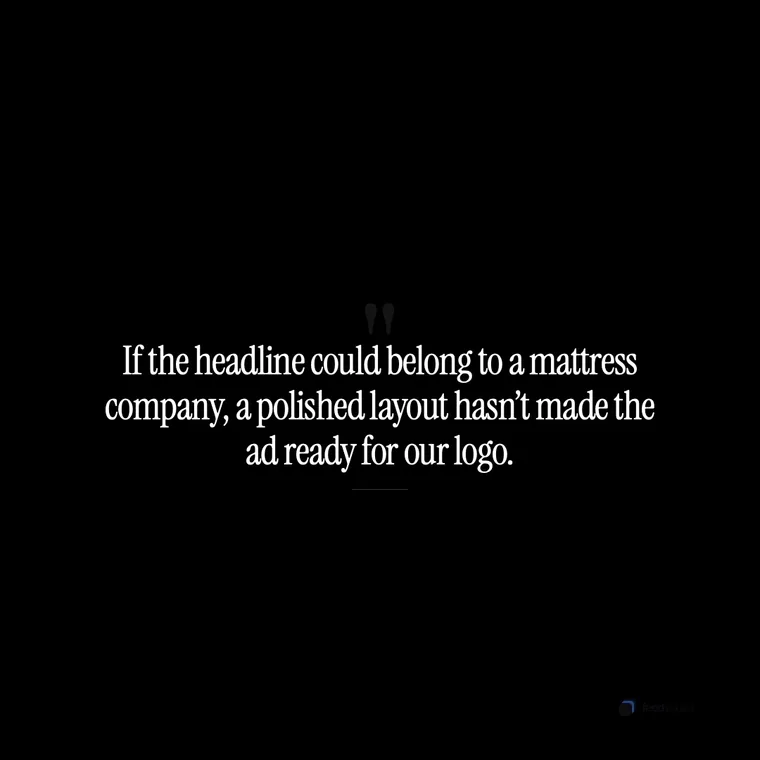
    Imagine a carefully art-directed ad whose headline is “Discover a better tomorrow.” Good layout, crisp product image, a line that could sell accounting software or a mattress. The logo is the only thing making it specific. Generating a campaign cheaply doesn’t make publishing it a low-stakes decision. For the imagined ad, the review has to go beyond spelling and layout. Does “a better tomorrow” tell anyone something worth knowing about this particular product? I want agents to finish marketing work. The standard for releasing it should survive that handoff. If the headline could belong to a mattress company, a polished layout hasn’t made the ad ready for our logo.

    White serif text on black: “If the headline could belong to a mattress company, a polished layout hasn’t made the ad ready for our logo.”
    A line from the post, set by Pixel.View the post ↗
  • X
    F
    FeedSquad founder
    Published

    CMI reports that 95% of B2B marketers now use AI-powered applications. “We use AI” is no longer a differentiator. The interesting question is what the system refuses to do — and who remains accountable for that decision.

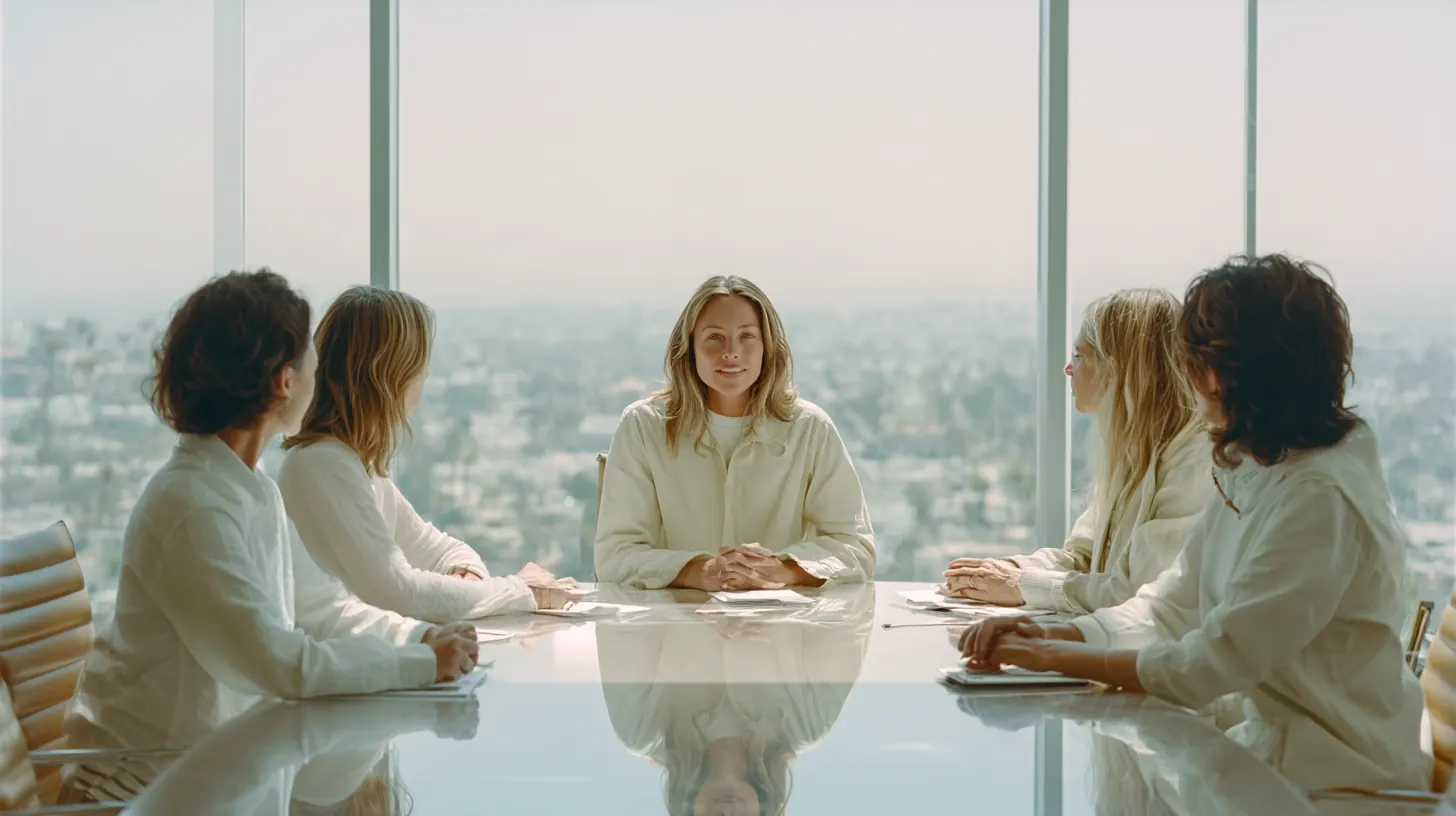
    Stock photo of four people in business clothes around a conference table in a bright meeting room.
    A stock photo, set by Pixel.View the post ↗

A visual should help the post, not become another project.

Pixel starts from the post you are about to publish. Pick a template, use your own photo or find a stock image, and the result arrives in your colours, fonts and logo, attached to that post.

In the product

What the Studio offers.

A list
Numbered steps or points, laid out in your colours.
A story
A short narrative across slides.
An announcement
A launch or milestone, with your logo.
A figure
A number you supply, set large.
Your own photo
Upload an image and use it as the post’s visual.
A stock photo
Free stock results guided by your brand kit’s keywords.
“When a visual Pixel made with AI goes out, Pixel sets the platform’s own “made with AI” label where the platform supports one. Your real photos and Pixel’s layouts are never labelled.”

A description of the Studio’s options and a sentence copied from the product. These are not customer visuals.

Made in the Studio

See what Pixel makes.

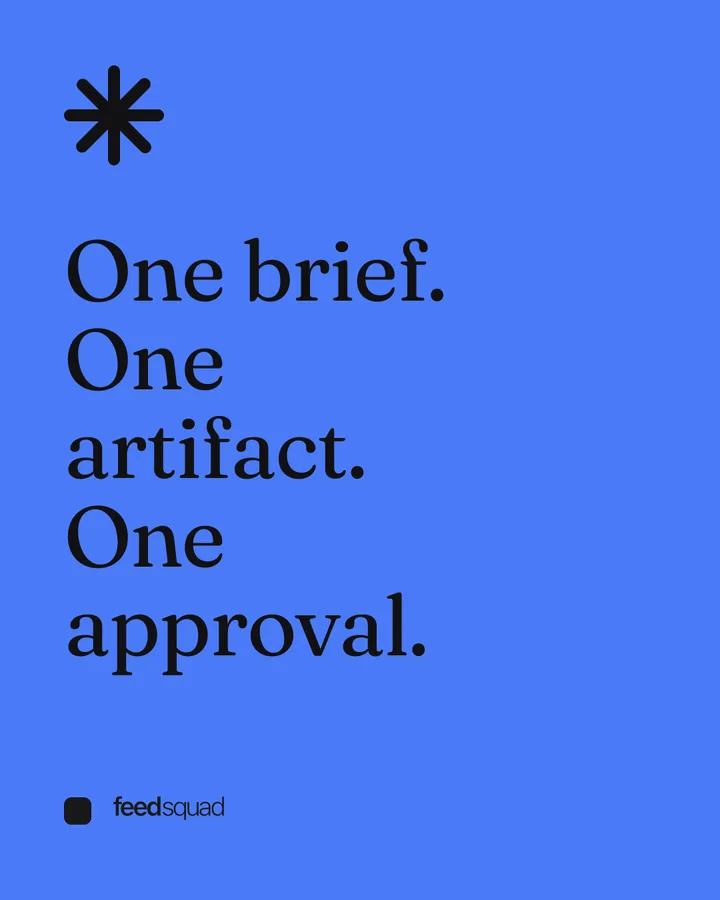
  • Fieldnotes carousel, slide 1 of 4, LinkedIn size (4:5): “One brief. One artifact. One approval.”

    Fieldnotes · Carousel · LinkedIn 4:5

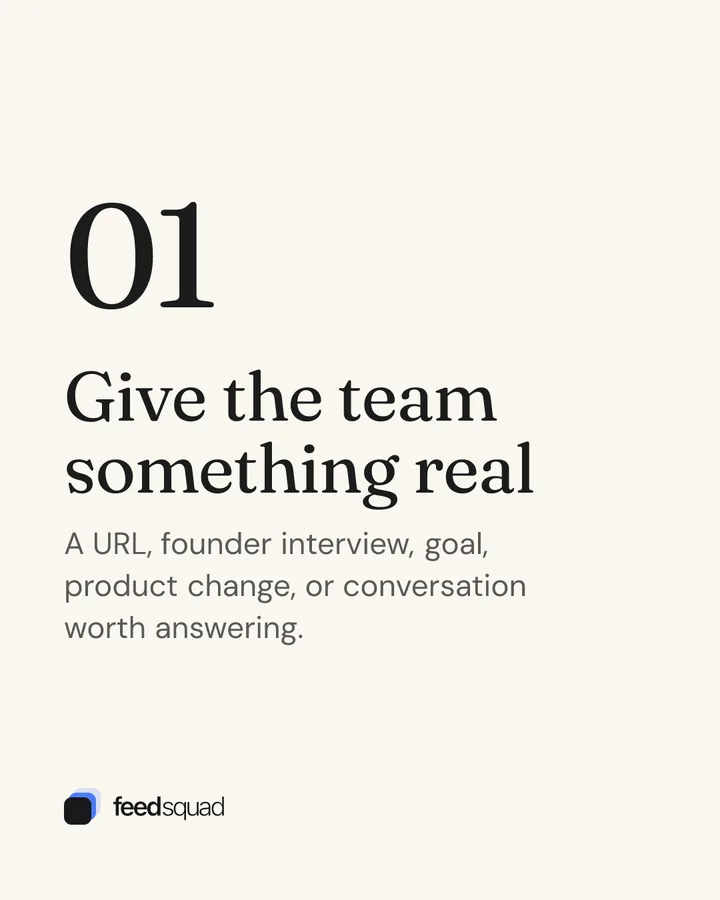
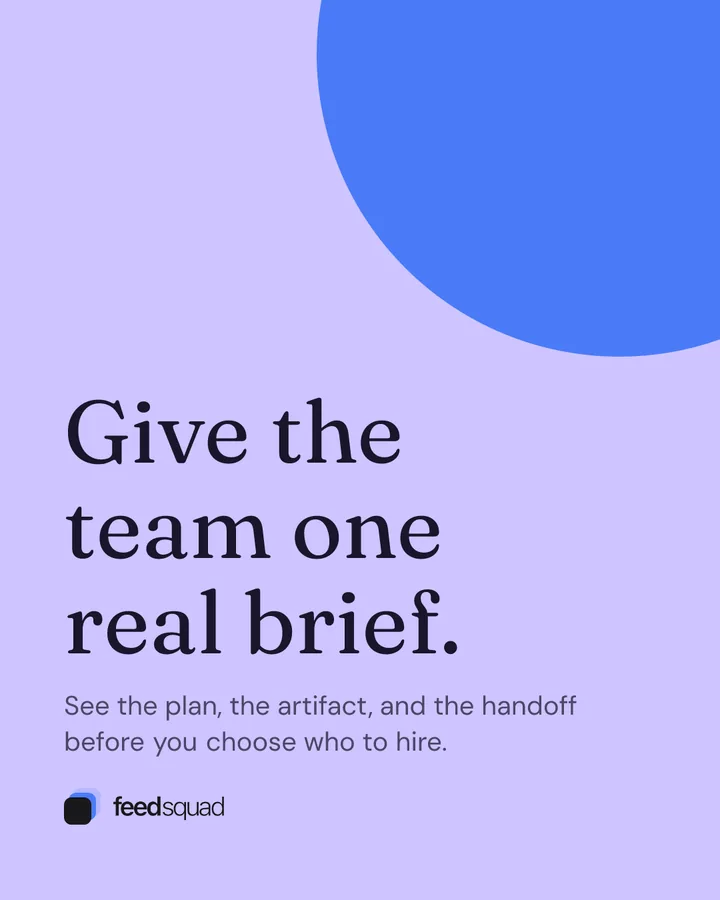
  • Poster template, announcement, LinkedIn size (4:5): “Give the team one real brief.”

    Poster · Announcement · LinkedIn 4:5

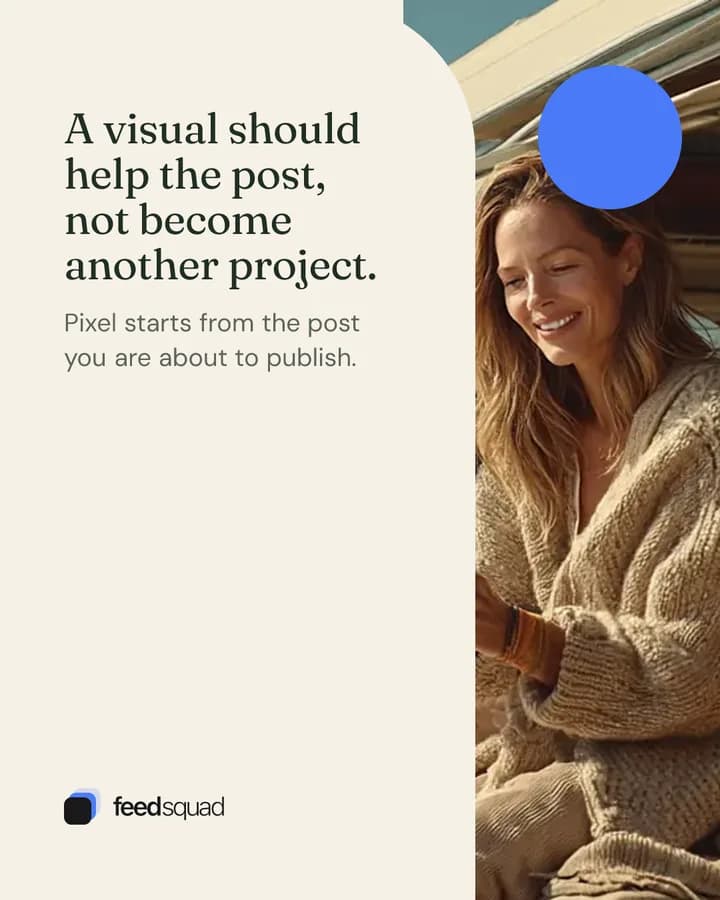
  • Magazine template, insight, Threads size (4:5), on an illustrative AI photo of a woman reading a tablet in the open door of her van by the ocean: “A visual should help the post, not become another project.”

    Magazine · Insight · Threads 4:5

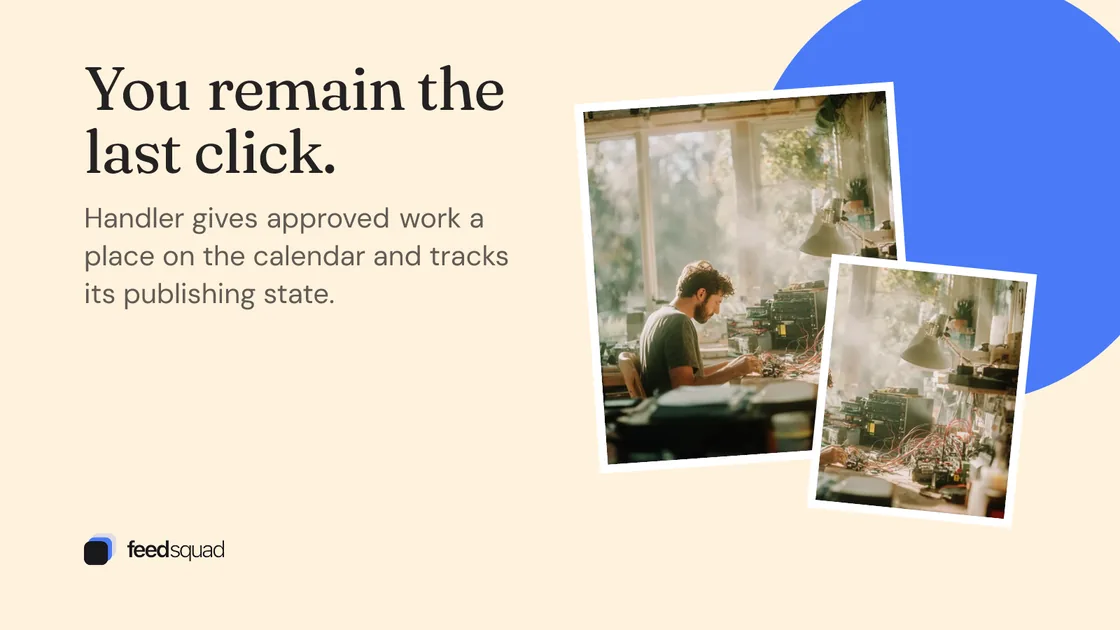
  • Collage template, insight, X size (16:9), on an illustrative AI photo of a man soldering a prototype at a workbench: “You remain the last click.”

    Collage · Insight · X 16:9

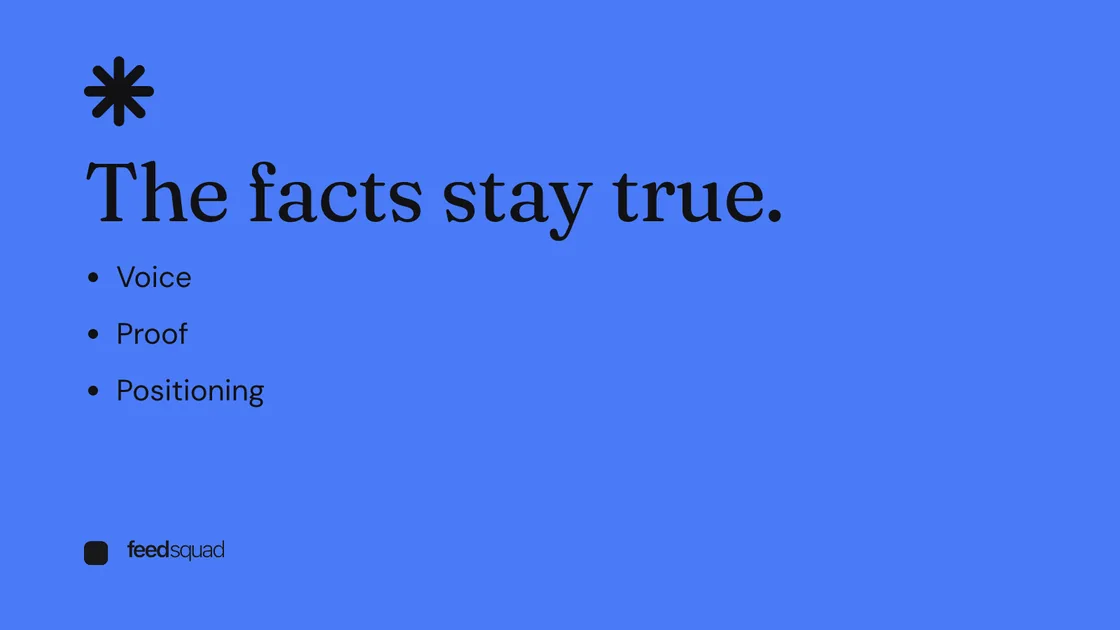
  • Fieldnotes template, list, X size (16:9): “The facts stay true.”

    Fieldnotes · List · X 16:9

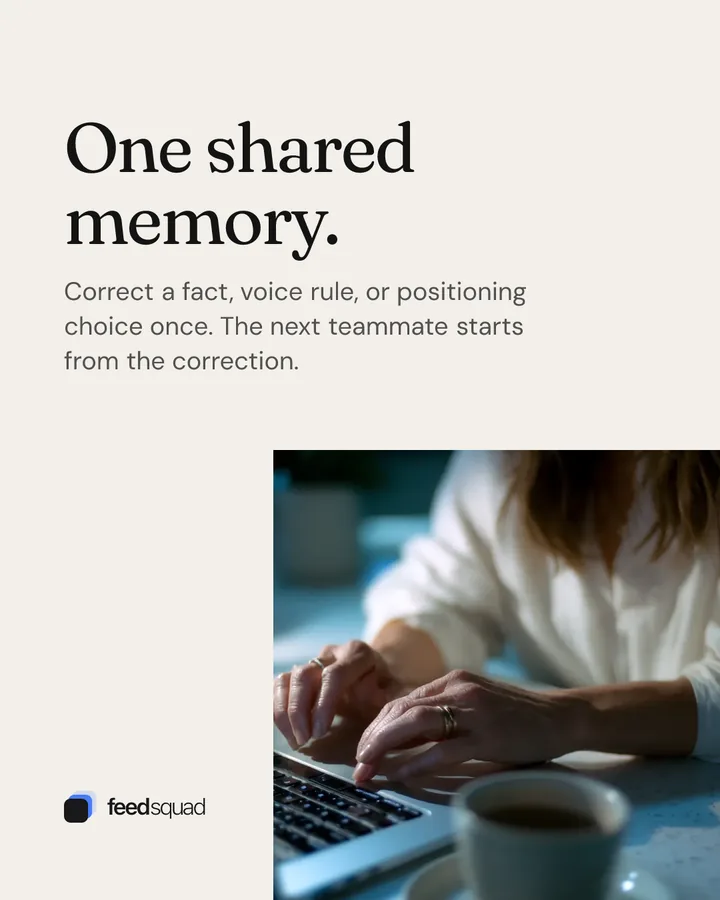
  • Studio template, story, Threads size (4:5), on an illustrative AI photo of hands typing on a laptop beside a cup of coffee: “One shared memory.”

    Studio · Story · Threads 4:5

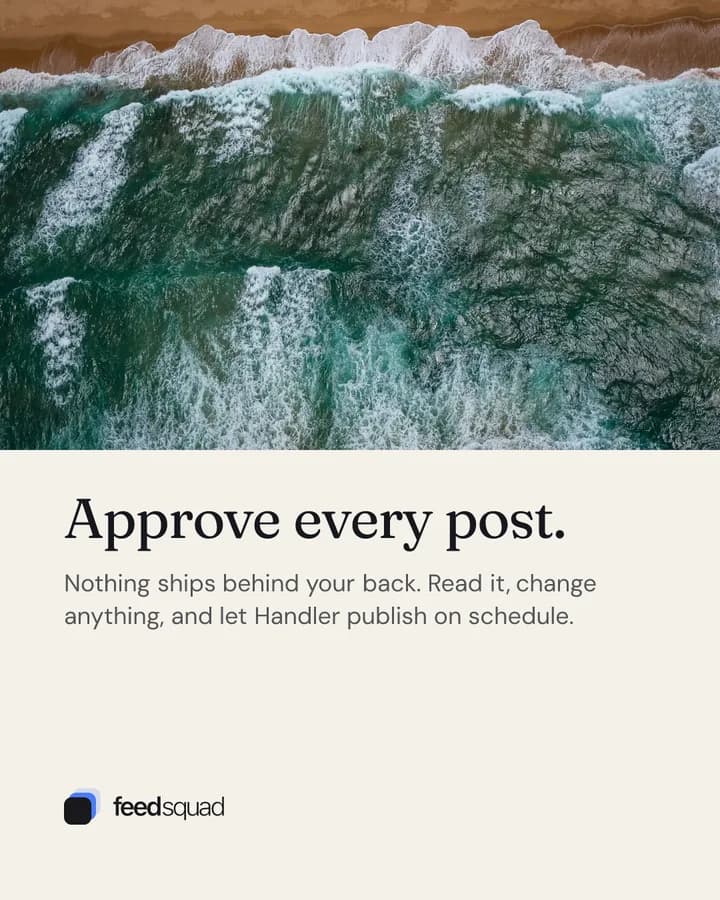
  • Panorama template, statement, LinkedIn size (4:5), on an illustrative AI photo of waves breaking on a shore, seen from above: “Approve every post.”

    Panorama · Statement · LinkedIn 4:5

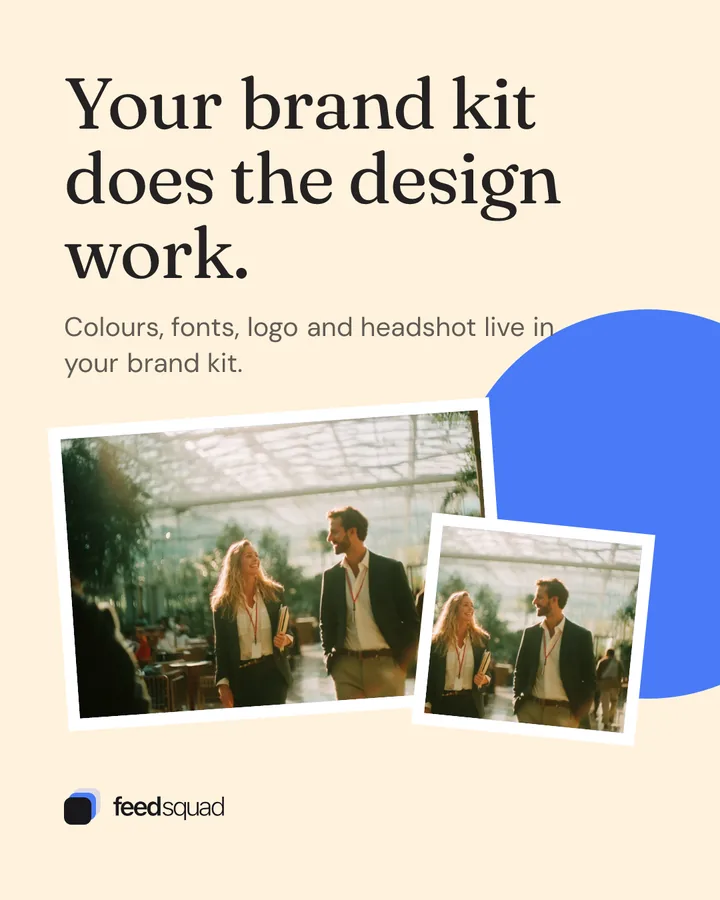
  • Collage template, insight, Threads size (4:5), on an illustrative AI photo of two colleagues talking as they walk through a glass atrium: “Your brand kit does the design work.”

    Collage · Insight · Threads 4:5

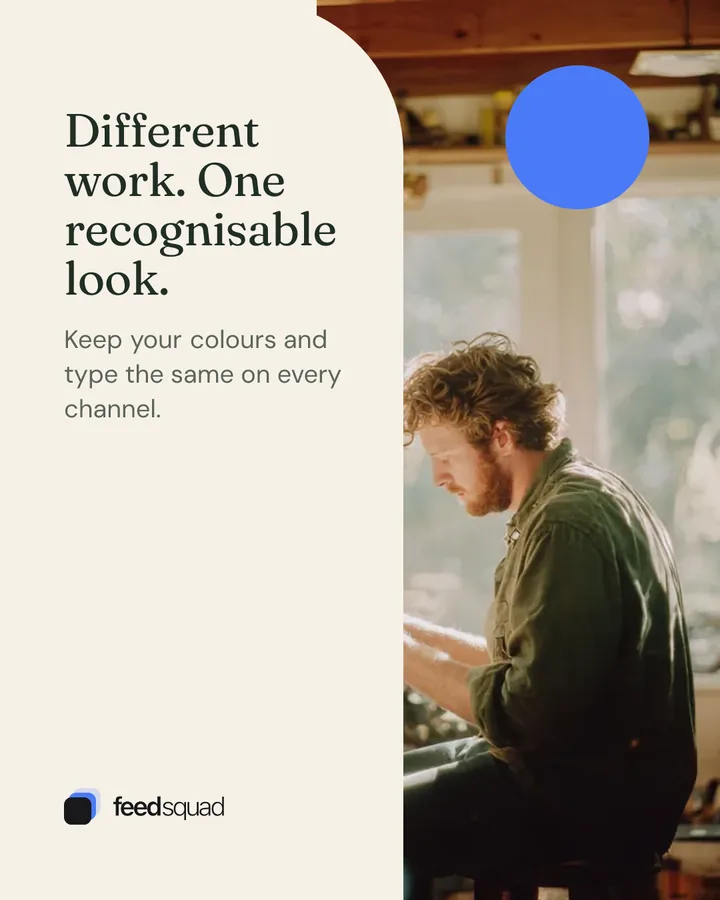
  • Magazine template, insight, LinkedIn size (4:5), on an illustrative AI photo of a man working at a bench in a workshop lined with tools: “Different work. One recognisable look.”

    Magazine · Insight · LinkedIn 4:5

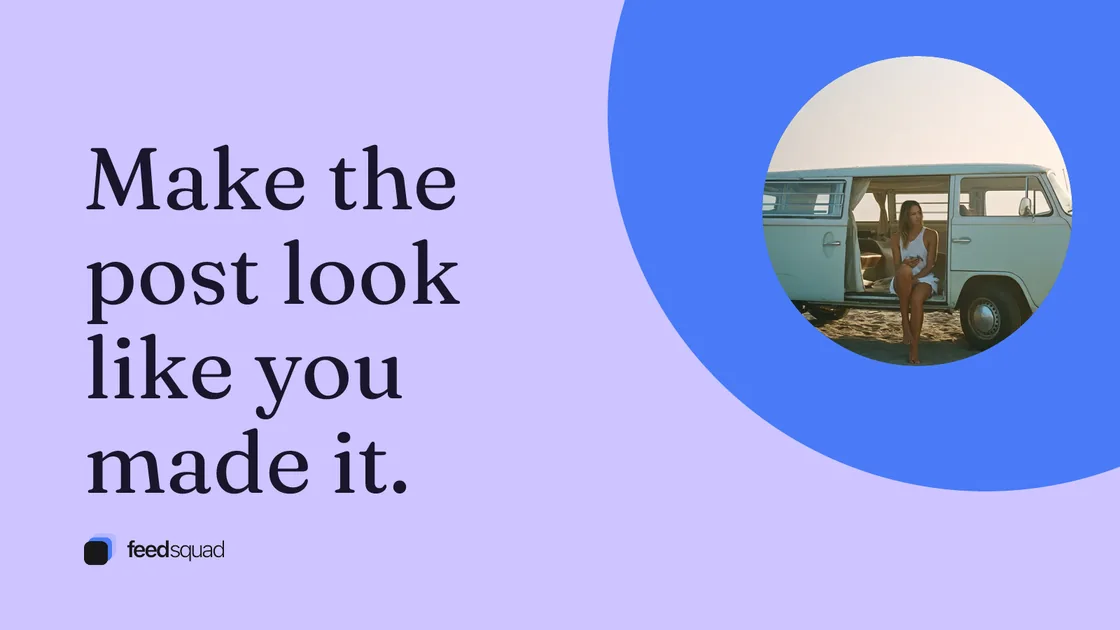
  • Poster template, statement, X size (16:9), on an illustrative AI photo of a woman sitting in the open door of a camper van on a beach: “Make the post look like you made it.”

    Poster · Statement · X 16:9

Made with Pixel’s templates and FeedSquad’s own brand kit. FeedSquad adds your own logo to the templates.

Each visual is made for one post, and Pixel attaches it to that post when you choose Attach.

Your brand kit does the design work.

  1. 01

    Set your brand once

    Colours, fonts, logo and headshot live in your brand kit.

  2. 02

    Choose the visual for this post

    A template for a list, a story, an announcement or a figure; your own image; or a stock photo guided by your brand.

  3. 03

    Keep it with the post

    Attach the visual to the draft it belongs to. A carousel exports as a PDF for LinkedIn or an image set for X and Threads.

Different work. One recognisable look.

Illustrative professional scenes.

  • A woman steps out of an office door into sunlight.

    Founders announcing something

    Give a launch or milestone a visual that looks like your company.

  • A woman rests her chin on her hand as she listens across a table.

    Consultants with a framework

    Turn a list of steps into a slide people can save.

  • A man works at a cluttered workbench by a bright workshop window.

    Small brands with a look

    Keep your colours and type the same on every channel.

  • A woman leads a meeting at a glass table with her team.

    Teams posting on several channels

    Export one carousel as a LinkedIn PDF or an image set for X and Threads.

Getting started

What you give Pixel. What you review.

  1. 01

    Fill in your brand kit

    Add your colours, fonts and logo.

  2. 02

    Open a post in Pixel

    Choose a template, your own image or a stock photo, and adjust the words.

  3. 03

    Attach it, or don’t

    Look at the visual next to the post. Attach it if it helps; post as text if it doesn’t.

You choose what goes with the post.

Pixel shows you the visual first. It is attached only when you choose Attach, and it publishes only with a post you have approved. Your own photos and Pixel’s layouts are never labelled as AI.

The offer

Included

Template-based Pixel comes with every channel agent. Pixel Pro is available as the visual add-on.

Included with your channel agent.

Template Pixel comes with Ghost, Pulse, Stitch and the FeedSquad Bundle. Choose the channel agent for your platform, and Pixel comes with it.

Comes with

  • Ghost
  • Pulse
  • Stitch
  • Cite
  • FeedSquad Bundle
  • Chief
See plans with Pixel →

Questions about Pixel.

No. Template Pixel is included with Ghost, Pulse and Stitch and with the FeedSquad Bundle. AI-generated images are a separate add-on, Pixel Pro.
Not templates and not your own photos: Pixel never labels them. Images an AI model generates keep the generator’s Content Credentials. When they go out on X, Pixel sets X’s “made with AI” label. You can change the X label in your brand kit.
No. You choose a template and write the words. The colours, fonts and logo come from your brand kit.
Yes. Upload your own image and use it as the visual for a post.
You can build a multi-slide visual in the Studio and export it as a PDF for LinkedIn or an image set for X and Threads.
No. Look at the post with and without one. If the visual does not add anything, post as text.
AI-generated images, made from your post and brand, with a monthly image allowance shown on the plan. Pixel Pro is an add-on to an existing plan, and Chief includes it.

Visuals from your AI assistant

Connect FeedSquad to Claude or ChatGPT and your assistant can attach an image, a carousel or a video it already has to a FeedSquad post, with alt text. Pixel’s templates and brand kit run inside FeedSquad.

set_post_image
Attach an image to a post, with alt text.
set_post_carousel
Attach a carousel of images.
set_post_video
Attach a video.
upload_asset
Upload a file to use on a post.